

Improve Accessibility Across Your WordPress Website
- 14-Day Free Trial
- No credit card required
- Cancel anytime
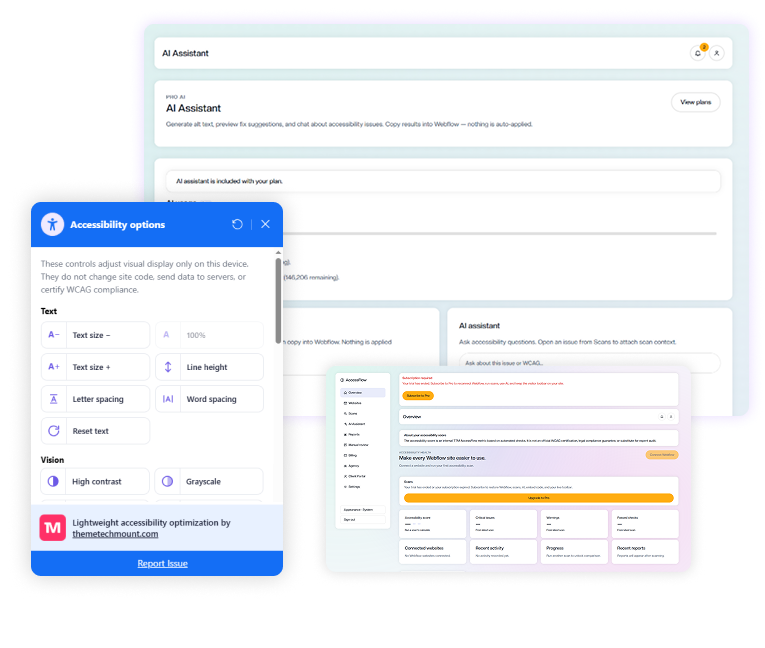
Join 2k+ Companies already saving hours with Softinio.





Website Accessibility for WordPress, Made Easier
Accessibility Scanning
Check WordPress pages for potential accessibility issues and review detected findings.
AI Guided Assistance
Get clearer explanations and practical suggestions to help you understand accessibility findings.
Visitor Accessibility Toolbar
Give visitors additional controls to personalize how they experience your website.
Progress Tracking
Re-scan your website, compare results, and monitor accessibility improvements over time.
WCAG Related Insights
Understand how detected issues relate to relevant accessibility guidelines and criteria.
Creative WordPress demos
Explore creative Webflow demos designed with modern layouts, engaging visuals, and seamless user experiences.
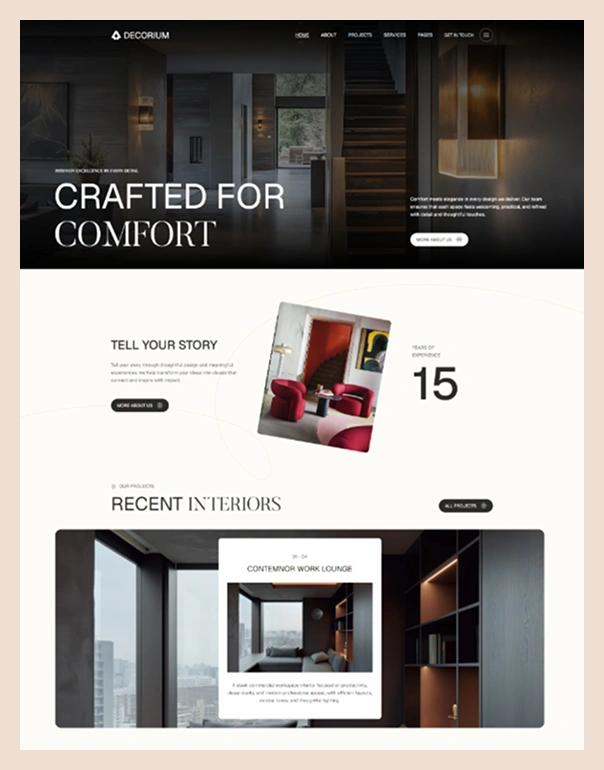
Better webflow accessibility experience
Webflow Accessibility helps make your website more inclusive, user-friendly, and accessible to everyone. It provides accessibility options that improve readability, navigation, visual comfort, and overall user experience.
- Text Size – Increase or decrease the text size.
- Letter, Line & Word Spacing – Adjust spacing for better readability.
- Other Accessibility Controls – Additional options to improve the overall browsing experience and accessibility.
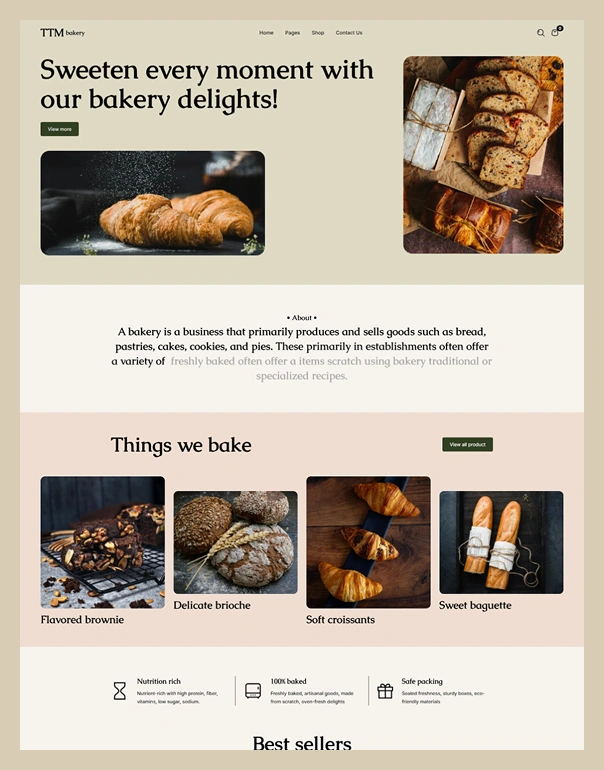
Better webflow accessibility experience
- Text Size – Increase or decrease the text size.
- Letter, Line & Word Spacing – Adjust spacing for better readability.
- Other Accessibility Controls – Additional options to improve the overall browsing experience and accessibility.
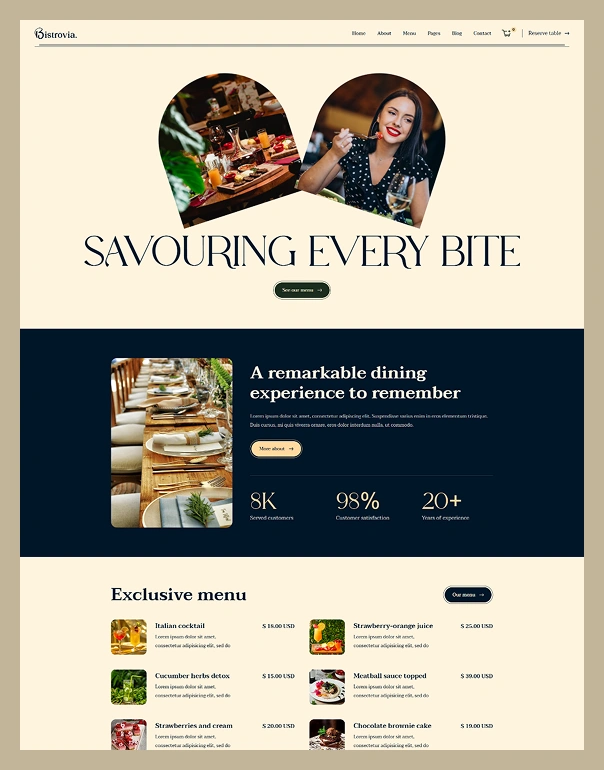
Better webflow accessibility experience
- Text Size – Increase or decrease the text size.
- Letter, Line & Word Spacing – Adjust spacing for better readability.
- Other Accessibility Controls – Additional options to improve the overall browsing experience and accessibility.

Better webflow accessibility experience
- Text Size – Increase or decrease the text size.
- Letter, Line & Word Spacing – Adjust spacing for better readability.
- Other Accessibility Controls – Additional options to improve the overall browsing experience and accessibility.
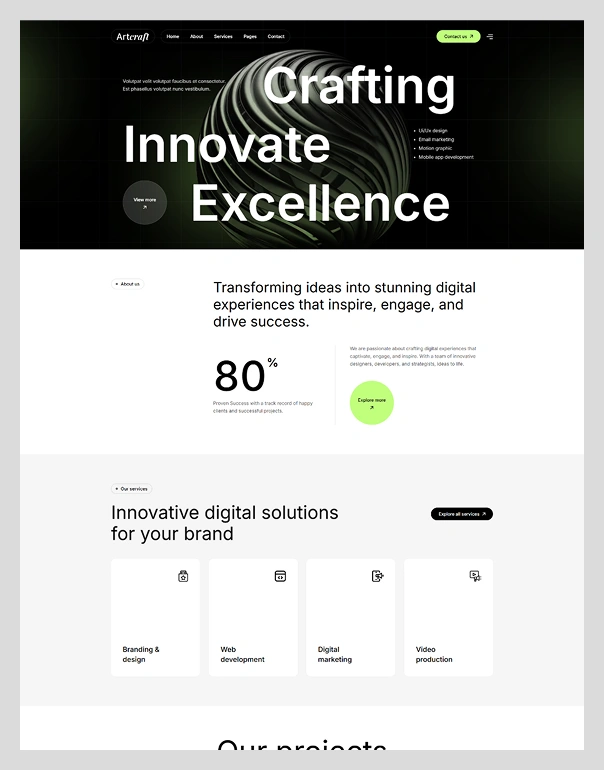
Better webflow accessibility experience
- Text Size – Increase or decrease the text size.
- Letter, Line & Word Spacing – Adjust spacing for better readability.
- Other Accessibility Controls – Additional options to improve the overall browsing experience and accessibility.

Better webflow accessibility experience
- Text Size – Increase or decrease the text size.
- Letter, Line & Word Spacing – Adjust spacing for better readability.
- Other Accessibility Controls – Additional options to improve the overall browsing experience and accessibility.
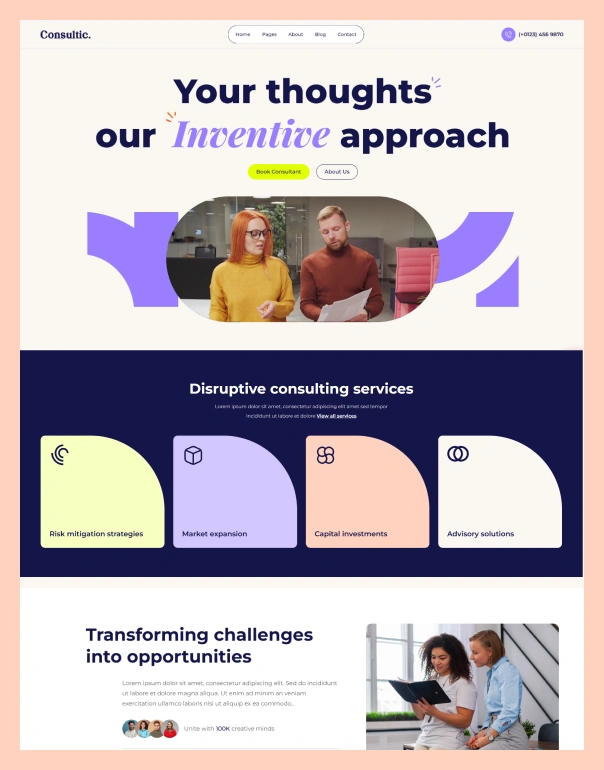
Better webflow accessibility experience
- Text Size – Increase or decrease the text size.
- Letter, Line & Word Spacing – Adjust spacing for better readability.
- Other Accessibility Controls – Additional options to improve the overall browsing experience and accessibility.
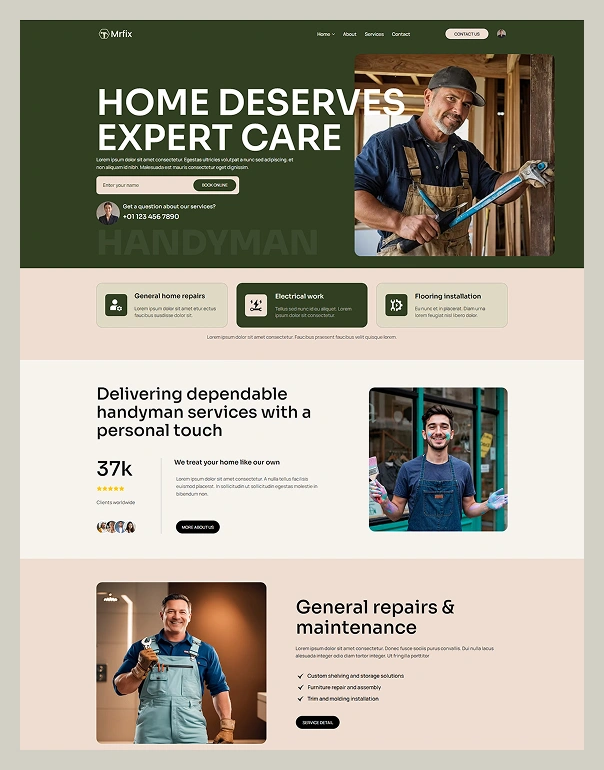
Better webflow accessibility experience
- Text Size – Increase or decrease the text size.
- Letter, Line & Word Spacing – Adjust spacing for better readability.
- Other Accessibility Controls – Additional options to improve the overall browsing experience and accessibility.

How ScrollAccess Works With WordPress
Connect Your WordPress Website
Scan Your Website
Understand & Improve
Re-scan & Track Progress
Find Accessibility Issues Across Your WordPress Website
- Automated website accessibility scanner
Detect accessibility issues. understand what matters. improve with confidence.
- Accessibility issue detection
- Reviewable Scan Results
- WCAG Related Insights
- Issue Severity & Prioritization
- AI Guided Recommendations
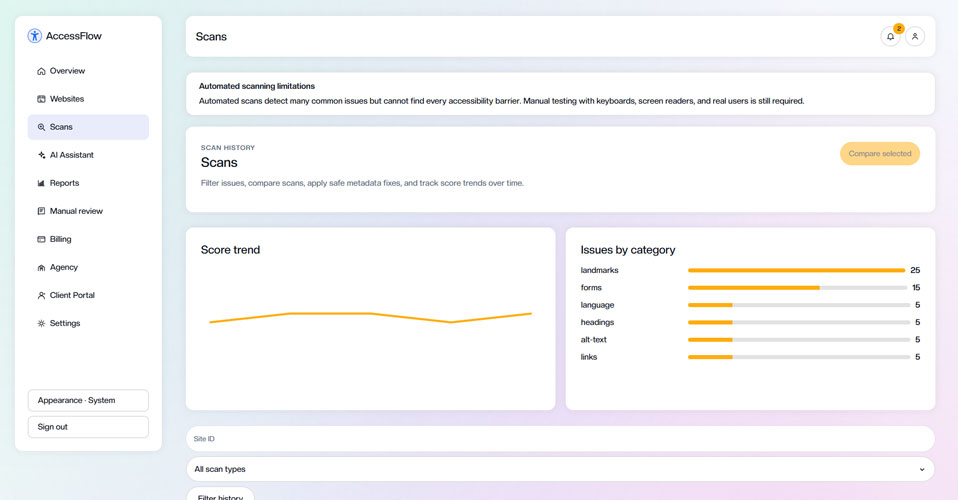
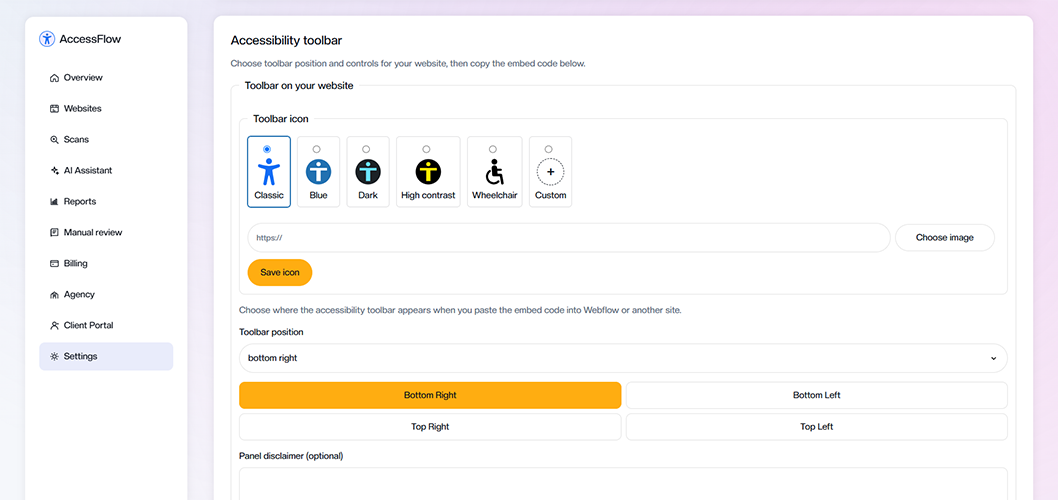
- Customizable accessibility toolbar
Give every visitor more control over their experience
- Multiple Accessibility Controls
- Customizable Toolbar Appearance
- Flexible Toolbar Positioning
- Responsive Across Devices
- Easy Website Integration
- Ai powered accessibility assistant
Understand accessibility issues with AI
- Clear Issue Explanations
- Practical Improvement Suggestions
- AI Powered Alt Text Suggestions
- Contextual Accessibility Guidance
- Learn Accessibility as You Improve
AI does not fix issues automatically. You need to review the detected issues and manually apply the recommended changes in your Webflow site.
Built for agencies & teams
Multiple websites
Connect and manage unlimited websites.
Team collaboration
Invite team members and work together
Detailed reports
Generate professional reports for clients.
Track progress
Monitor accessibility score improvements.
Save time
Automate scans and focus on what matters.
Simple pricing. powerful accessibility tools
Frequently asked questions
No matching FAQs found.