
AI accessibility tools
Turn accessibility findings into clear next steps
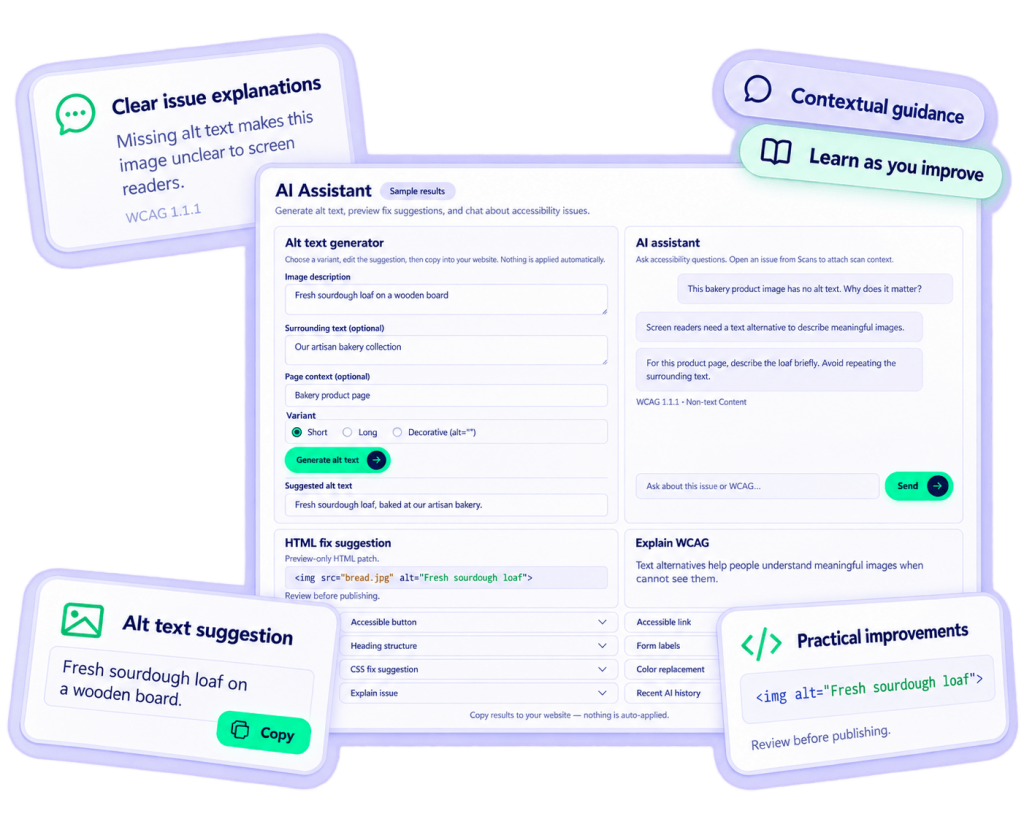
One workspace. Practical accessibility tools.
Alt text suggestions
Short, detailed, or decorative variants from your image description.
Accessible content
Draft button markup, link text, headings, and form labels.
HTML & CSS suggestions
Preview code suggestions for accessibility findings.
Color alternatives
Explore foreground and background combinations for contrast.
Issue & WCAG explanations
Understand findings and related success criteria.
Contextual AI chat
Ask questions using issue context from your scans.
From finding to informed action.
Open an issue in Scans
Generate guidance in AI Assistant
Review, edit, and copy the suggestion
Apply to your website and rescan
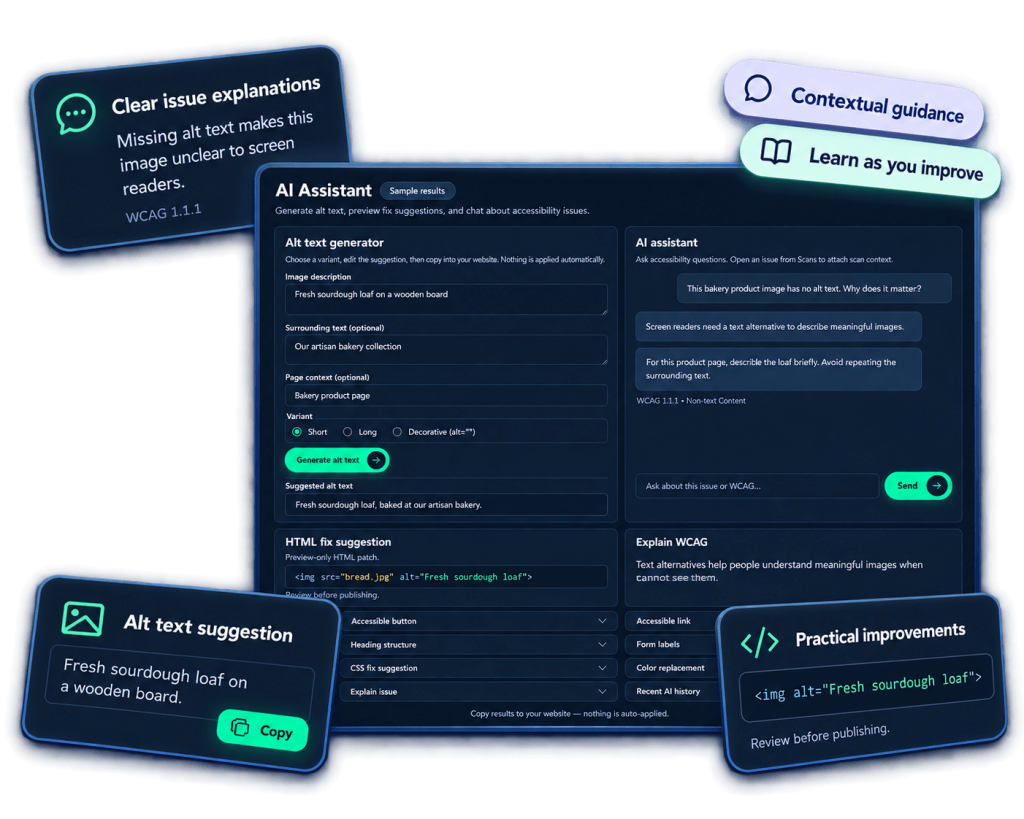
Editable suggestions
AI outputs are starting points. You can edit and adapt them before using them in your project.
Recent AI history
Your past AI requests are saved in your account, so you can easily find and reuse previous suggestions.
Plan-based request limits
AI tools are available on eligible plans, with request limits based on your plan type.
Frequently asked questions
No matching FAQs found.