


Table of Contents
In today’s digital world, website accessibility is essential for creating inclusive online experiences. Businesses, organizations, and website owners need to ensure their websites are accessible to people with different abilities. From navigating web pages to reading content and interacting with online forms, every visitor should be able to use a website with ease. AI-powered website accessibility helps businesses identify accessibility challenges and improve website usability while supporting efforts toward ADA and WCAG compliance.
ScrollAccess offers a website accessibility solution designed to help website owners improve the accessibility of their digital platforms. By incorporating accessibility-focused tools and AI-powered capabilities, businesses can work toward creating more inclusive websites, enhancing user experiences, and making digital content easier to interact with.
What Is AI-Powered Website Accessibility?
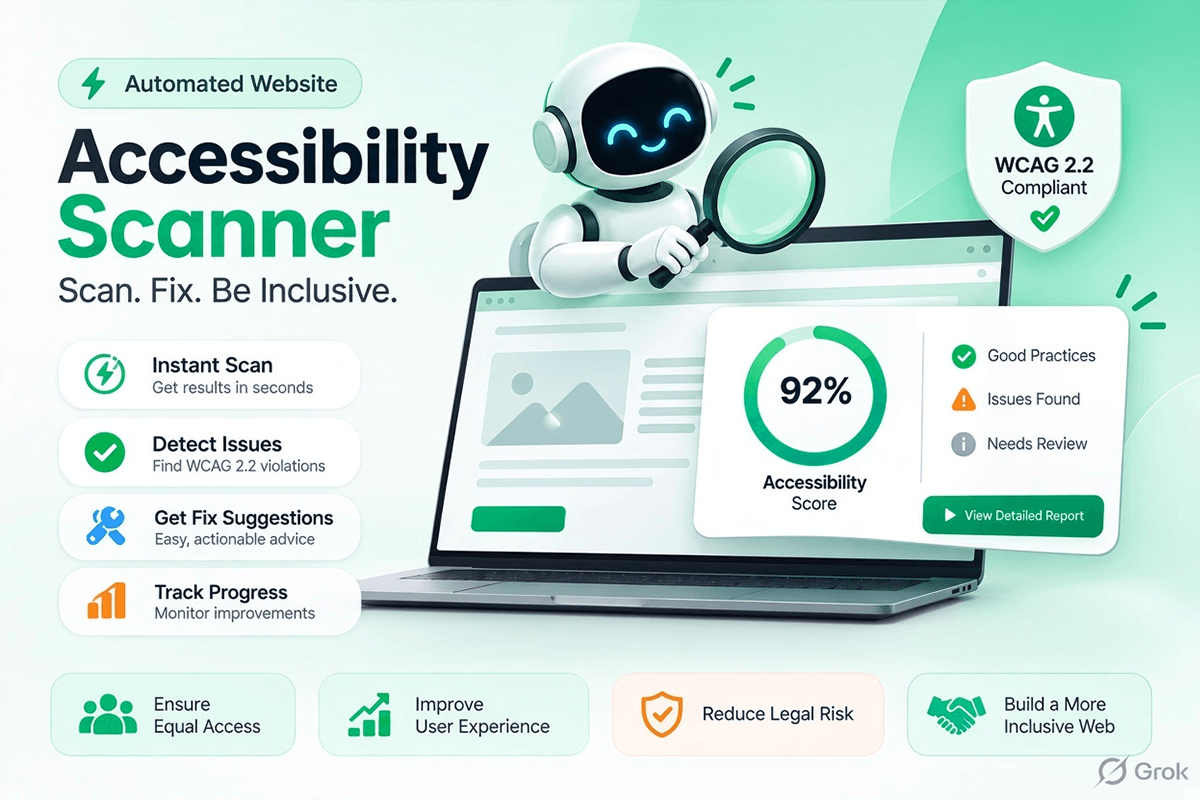
AI-powered website accessibility uses artificial intelligence and automated technologies to help identify, manage, or reduce barriers that may prevent people with disabilities from accessing online content. These technologies can support accessibility improvements for users with visual, auditory, motor, and cognitive disabilities.
Traditional accessibility improvements may require extensive manual testing, technical knowledge, and ongoing maintenance. AI-powered tools can help simplify parts of this process by providing accessibility features, assisting with issue identification, and helping website owners address common usability challenges.
With an accessibility solution like ScrollAccess, businesses can explore ways to make their websites more user-friendly and accessible. However, AI tools should complement manual accessibility testing and expert evaluation rather than replace them entirely.
Understanding ADA and WCAG Compliance
Website accessibility is closely associated with two important standards and legal frameworks: the Americans with Disabilities Act (ADA) and the Web Content Accessibility Guidelines (WCAG).
The ADA is a United States civil rights law that prohibits discrimination against people with disabilities. Its application to websites depends on the relevant legal circumstances, and businesses should evaluate their obligations carefully.
WCAG, developed by the World Wide Web Consortium (W3C), provides internationally recognized recommendations for making web content accessible. WCAG 2.2 is a useful reference for organizations working to improve digital accessibility.
WCAG follows four fundamental principles:
- Perceivable: Information and interface elements must be presented in ways users can perceive.
- Operable: Website functionality must be usable through different input methods, including keyboard navigation.
- Understandable: Content and interactions should be clear, consistent, and predictable.
- Robust: Content should work reliably with different browsers, assistive technologies, and user environments.
AI-powered accessibility tools can support these principles by helping businesses improve website usability and identify potential accessibility barriers.
How AI-Powered Accessibility Tools Help Websites
AI-powered accessibility solutions can help website owners introduce useful features and manage common accessibility challenges. Depending on the product and its capabilities, these tools may support improvements in several areas.
1. Improve Website Readability
Clear, readable content helps visitors understand information without unnecessary difficulty. Accessibility tools may offer text presentation options, adjustable font sizes, or other reading enhancements that make website content more comfortable to access.
These features can benefit people with low vision, reading difficulties, or individual display preferences. Website owners should also use descriptive headings, meaningful links, and straightforward language to improve the overall reading experience.
2. Support Visual Accessibility
People with visual disabilities may experience difficulties when text is too small, contrast is insufficient, or page elements are difficult to distinguish. Accessibility features such as contrast adjustments, text resizing, and display customization can improve usability for some visitors.
However, these features do not replace the need for accessible source code, meaningful alternative text for images, properly structured headings, and compatibility with screen readers.
Some users navigate websites without a mouse. Keyboard accessibility allows visitors to move between links, buttons, menus, forms, and other interactive elements using a keyboard.
Accessibility testing can help identify problems such as missing focus indicators, inaccessible menus, and keyboard traps. Website owners should ensure that all interactive features can be operated correctly through keyboard input.
4. Simplify Accessibility Management
Managing website accessibility can be challenging, especially for websites with many pages and interactive elements. Automated tools can help identify certain issues and make accessibility improvements easier to organize.
AI-assisted capabilities may help website teams understand potential problems and prioritize improvements. Nevertheless, automated scans cannot detect every accessibility issue, particularly those involving context, meaningful reading order, or the quality of alternative text.
Why Businesses Should Prioritize Website Accessibility
Website accessibility benefits both users and businesses. An accessible website helps more people access information, explore products, complete forms, and use online services independently.
Businesses that prioritize accessibility can work toward several important goals:
- Better user experience: Make website interactions clearer and more convenient for a wider audience.
- Greater digital inclusion: Reduce barriers for people with different abilities and access needs.
- Improved usability: Create more understandable navigation, content, and interactive elements.
- Accessibility risk management: Identify potential issues and support a documented accessibility improvement process.
- Stronger customer trust: Demonstrate a commitment to inclusive digital experiences.
- More maintainable websites: Establish accessibility checks as part of regular website updates.
Accessibility improvements may also support search engine optimization indirectly by encouraging clearer headings, descriptive link text, logical content organization, and better usability. However, accessibility tools do not guarantee higher search rankings or automatic legal compliance.
How ScrollAccess Can Support Your Accessibility Strategy
ScrollAccess provides a solution for businesses looking to improve their website accessibility and offer visitors a more flexible browsing experience. An accessibility toolbar can help users personalize selected aspects of how they interact with a website, depending on the features available.
Website owners can explore accessibility-focused functionality that supports different user preferences while maintaining a consistent website experience.
When evaluating an accessibility solution, businesses should consider whether it supports their specific requirements, integrates with their website platform, and works alongside existing accessibility practices.
To learn more about the available features and integration options, visit the official ScrollAccess website.
Best Practices for Achieving Better WCAG Alignment
Using an accessibility tool is only one part of an effective accessibility strategy. Businesses should combine accessibility features with sound web development practices and regular testing.
Follow these best practices to improve website accessibility:
- Use semantic HTML: Structure page content with appropriate headings, landmarks, buttons, and form elements.
- Provide alternative text: Write meaningful image descriptions when images convey important information.
- Check color contrast: Ensure text and interface elements have sufficient contrast against their backgrounds.
- Test keyboard navigation: Verify that visitors can access interactive elements without relying on a mouse.
- Improve form accessibility: Add clear labels, helpful instructions, and understandable error messages.
- Support screen readers: Ensure that page structure, controls, and dynamic content work with assistive technologies.
- Test mobile accessibility: Check that navigation, text, and interactive controls remain usable on smaller screens.
- Conduct regular audits: Combine automated scanning with manual testing and testing involving people with disabilities.
These practices help establish a more comprehensive approach to website accessibility and support ongoing improvements as website content and functionality change.
AI Accessibility Tools and Human Testing
AI can make certain accessibility tasks more efficient, but it has limitations. Automated systems may identify technical problems such as missing attributes or some contrast issues, yet they cannot reliably determine whether every website interaction is meaningful and accessible.
For example, an automated tool might identify that an image has alternative text without determining whether that text accurately describes the image’s purpose. Similarly, a website may pass certain automated checks while still containing confusing navigation or inaccessible interactive components.
For this reason, businesses should use accessibility tools alongside manual keyboard testing, screen reader evaluation, WCAG-based audits, and feedback from users with disabilities.
Organizations should also document identified issues, prioritize fixes according to their impact, and retest websites after making changes.
Who Can Benefit from ScrollAccess?
Website accessibility solutions can be useful for a wide range of organizations, including:
- E-commerce businesses: Help customers navigate product pages, understand product information, and use shopping features.
- Corporate websites: Improve access to company information, contact details, and business services.
- Educational institutions: Support access to learning materials and online resources.
- Healthcare providers: Make service information, appointment details, and patient resources easier to navigate.
- Agencies and developers: Incorporate accessibility considerations into website projects and maintenance workflows.
- Small businesses: Begin addressing common website accessibility barriers with practical tools and structured testing.
Regardless of industry or website size, accessibility should be considered throughout the website development and maintenance process.
Conclusion
AI-powered website accessibility offers businesses practical ways to support inclusive digital experiences and address common website usability challenges. By combining accessibility tools with WCAG-based testing, accessible development practices, and ongoing monitoring, organizations can make meaningful progress toward more accessible websites.
ScrollAccess provides a starting point for businesses exploring accessibility-focused website features. However, an accessibility toolbar alone cannot guarantee ADA compliance or conformance with WCAG requirements. A comprehensive strategy should address the underlying website code, content, navigation, forms, and compatibility with assistive technologies.
Make website accessibility part of your digital strategy with ScrollAccess. Explore the available features at ScrollAccess and take steps toward creating a more inclusive, user-friendly online experience for everyone.
Frequently Asked Questions
What is AI-powered website accessibility?
It uses AI tools to help identify accessibility barriers and improve website usability.
How does AI support ADA compliance?
AI tools can detect common accessibility issues and support efforts to meet ADA requirements.
What is WCAG compliance?
WCAG provides guidelines for making websites accessible to people with different disabilities.
How does ScrollAccess improve website accessibility?
ScrollAccess offers accessibility features designed to help users customize their website browsing experience
Why is website accessibility important for businesses?
It improves usability, supports inclusive digital experiences, and helps businesses address accessibility requirements.
Can AI tools guarantee full accessibility compliance?
No. Automated tools help identify issues, but manual testing and expert reviews are also necessary.