

Smarter web accessibility for every website
- 14-Day Free Trial
- No credit card required
- Cancel anytime
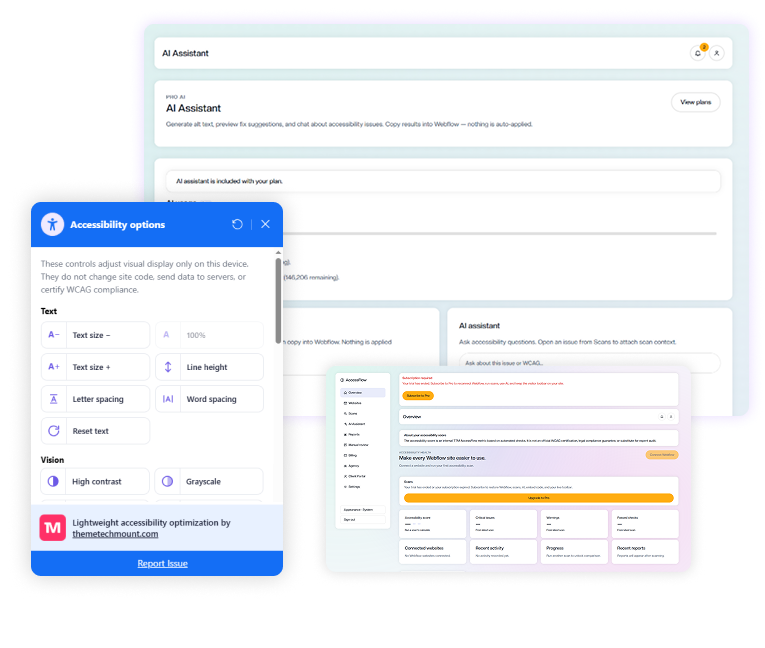
Join 2k+ Companies already saving hours.





Everything you need for web accessibility
Smart Scanning
Automatically scan your website to identify potential accessibility issues across pages and content making it easier.
AI Powered Guidance
Get AI assisted guidance that helps you understand accessibility issues and how they can be addressed.
Accessibility Toolbar
Give visitors easy to use accessibility controls to personalize their browsing experience.
Detailed Reports
Turn scan results into clear, actionable reports so you can understand issues and track accessibility improvements.
WCAG 2.2 Insights
Identify potential issues based on relevant WCAG 2.2 guidelines and better understand where your website needs attention.
Creative WordPress demos
Explore creative Webflow demos designed with modern layouts, engaging visuals, and seamless user experiences.
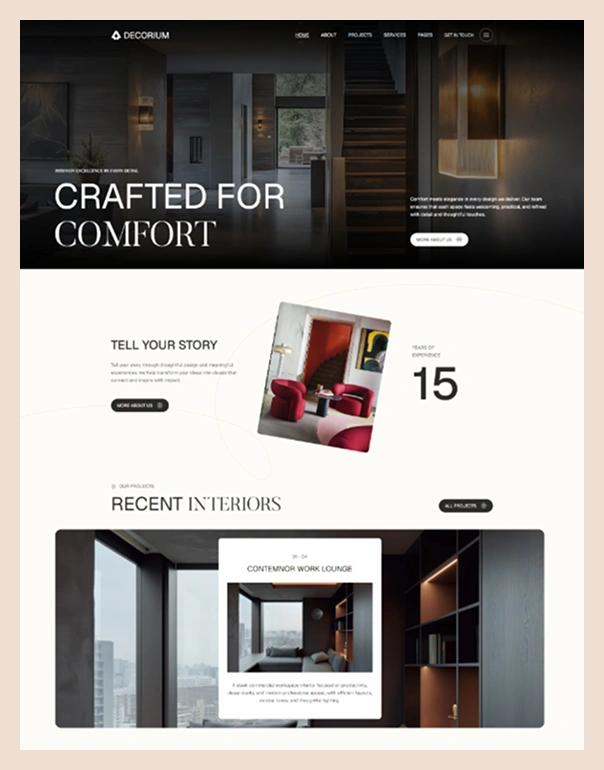
Better webflow accessibility experience
Webflow Accessibility helps make your website more inclusive, user-friendly, and accessible to everyone. It provides accessibility options that improve readability, navigation, visual comfort, and overall user experience.
- Text Size – Increase or decrease the text size.
- Letter, Line & Word Spacing – Adjust spacing for better readability.
- Other Accessibility Controls – Additional options to improve the overall browsing experience and accessibility.
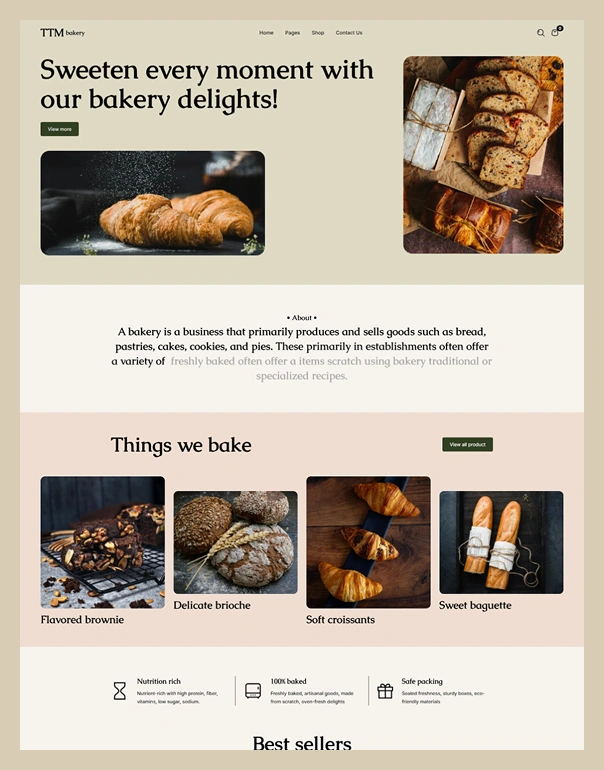
Better webflow accessibility experience
- Text Size – Increase or decrease the text size.
- Letter, Line & Word Spacing – Adjust spacing for better readability.
- Other Accessibility Controls – Additional options to improve the overall browsing experience and accessibility.
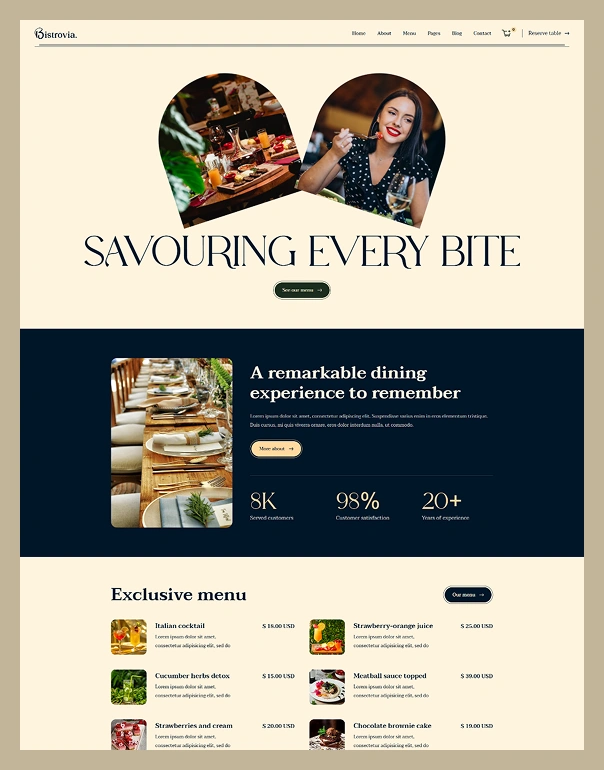
Better webflow accessibility experience
- Text Size – Increase or decrease the text size.
- Letter, Line & Word Spacing – Adjust spacing for better readability.
- Other Accessibility Controls – Additional options to improve the overall browsing experience and accessibility.
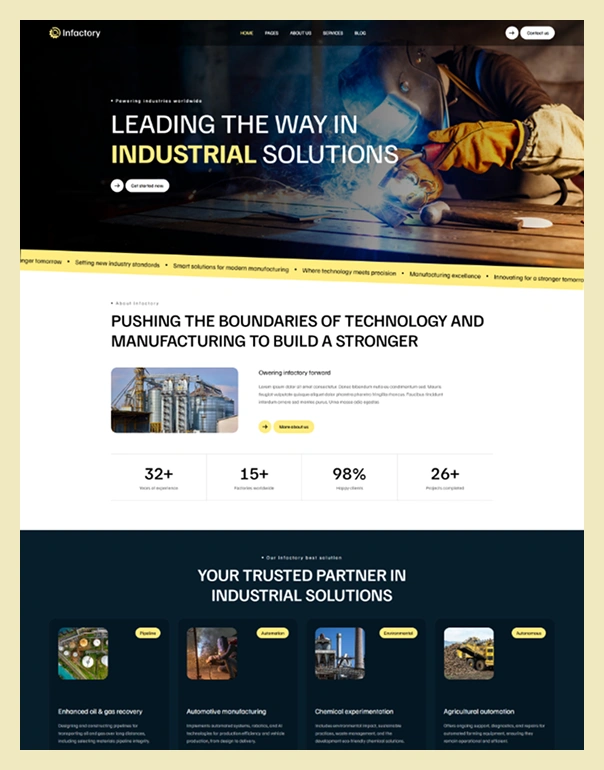
Better webflow accessibility experience
- Text Size – Increase or decrease the text size.
- Letter, Line & Word Spacing – Adjust spacing for better readability.
- Other Accessibility Controls – Additional options to improve the overall browsing experience and accessibility.
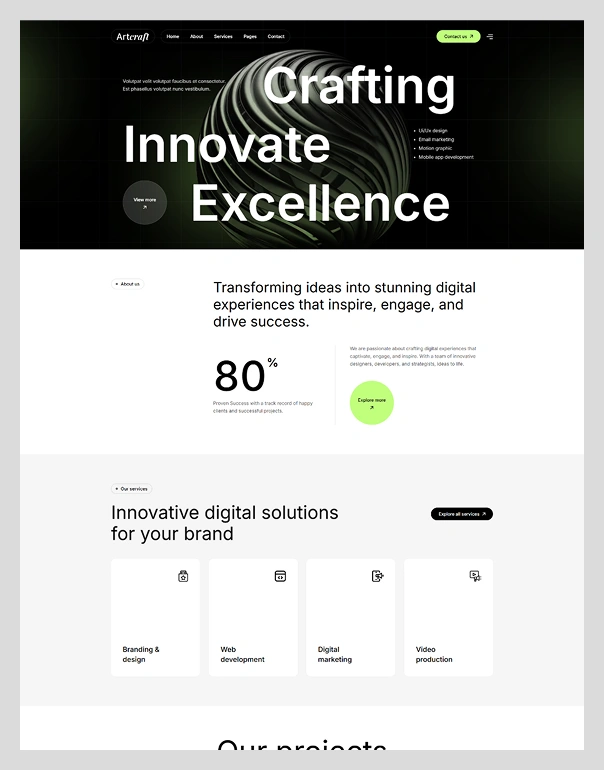
Better webflow accessibility experience
- Text Size – Increase or decrease the text size.
- Letter, Line & Word Spacing – Adjust spacing for better readability.
- Other Accessibility Controls – Additional options to improve the overall browsing experience and accessibility.
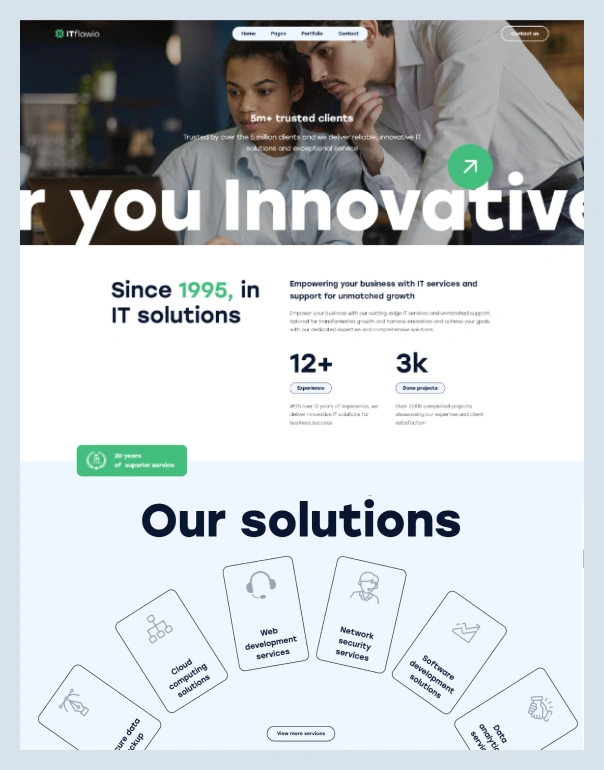
Better webflow accessibility experience
- Text Size – Increase or decrease the text size.
- Letter, Line & Word Spacing – Adjust spacing for better readability.
- Other Accessibility Controls – Additional options to improve the overall browsing experience and accessibility.
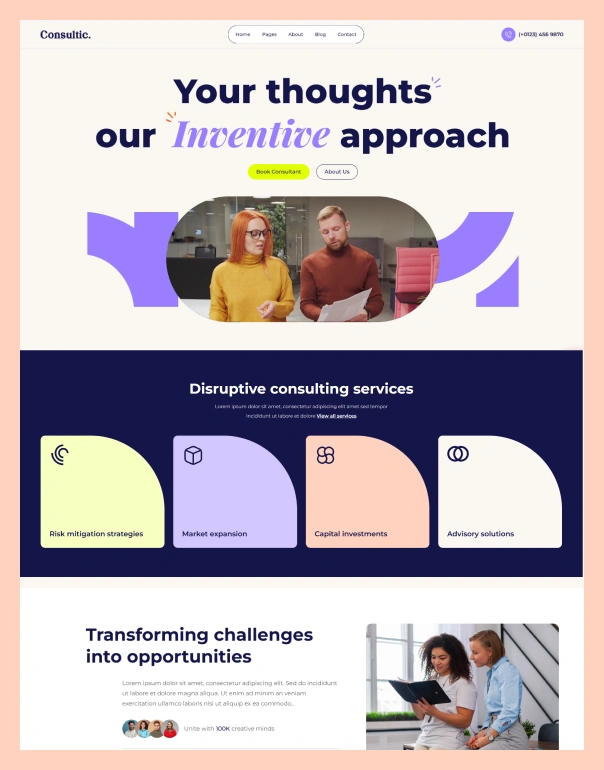
Better webflow accessibility experience
- Text Size – Increase or decrease the text size.
- Letter, Line & Word Spacing – Adjust spacing for better readability.
- Other Accessibility Controls – Additional options to improve the overall browsing experience and accessibility.
Better webflow accessibility experience
- Text Size – Increase or decrease the text size.
- Letter, Line & Word Spacing – Adjust spacing for better readability.
- Other Accessibility Controls – Additional options to improve the overall browsing experience and accessibility.
How scrollaccess work
Connect and scan
Understand the findings
Make and verify improvements
Track your progress
See where your team spends time
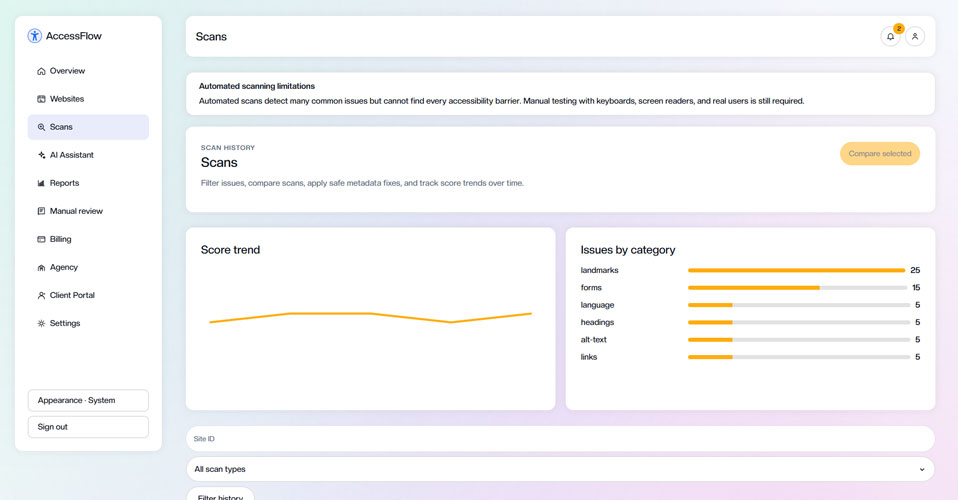
- Automated website accessibility scanner
Detect accessibility issues. understand what matters. improve with confidence.
- Accessibility issue detection
- Reviewable Scan Results
- WCAG Related Insights
- Issue Severity & Prioritization
- AI Guided Recommendations
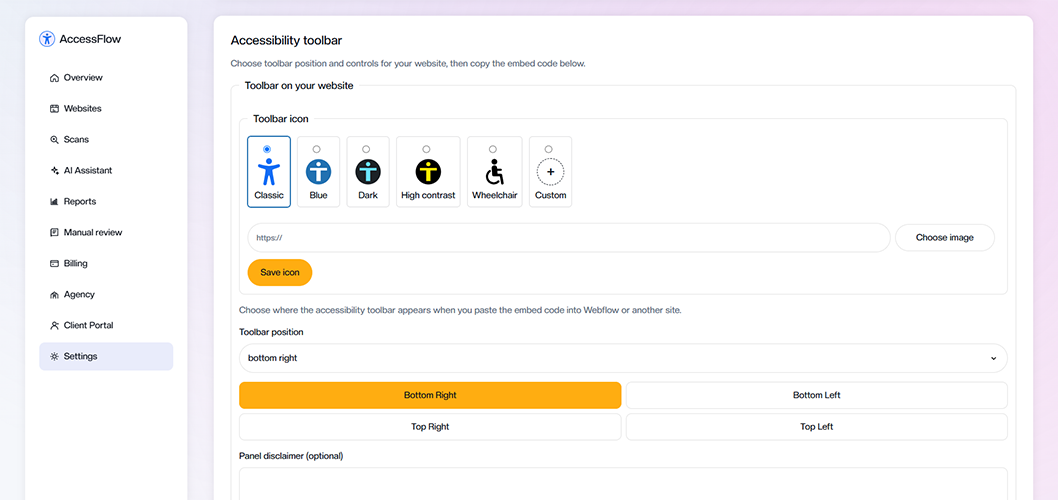
- Customizable accessibility toolbar
Give every visitor more control over their experience
- Multiple Accessibility Controls
- Customizable Toolbar Appearance
- Flexible Toolbar Positioning
- Responsive Across Devices
- Easy Website Integration
- Ai powered accessibility assistant
Understand accessibility issues with AI
- Clear Issue Explanations
- Practical Improvement Suggestions
- AI Powered Alt Text Suggestions
- Contextual Accessibility Guidance
- Learn Accessibility as You Improve
AI does not fix issues automatically. You need to review the detected issues and manually apply the recommended changes in your Webflow site.
Built for agencies & accessibility teams
Manage multiple websites
Keep accessibility scans, findings, and website activity organized across multiple client or business websites.
Team collaboration
Bring your team together to review accessibility findings and coordinate ongoing improvement work.
Client ready reports
Create clear accessibility reports to share findings, progress, and website accessibility insights with clients .
Track accessibility progress
Monitor scan results and accessibility trends over time to understand how websites are improving.
Save time with automation
Use scheduled accessibility scans and reporting workflows to reduce repetitive work and stay on top of website changes.
Works with the platforms you already use
WordPress
Webflow
Shopify
HTML
Duda
Joomla
PrestaShop
Custom system
Simple pricing. powerful accessibility tools
Frequently asked questions
ScrollAccess is a website accessibility platform that brings automated accessibility scanning, AI-powered guidance, a customizable accessibility toolbar, reporting, and ongoing accessibility management into one place. It helps you identify potential accessibility issues, understand what needs attention, make informed improvements, and track progress over time.
ScrollAccess scans your website for potential accessibility issues and presents the findings in an organized dashboard. You can review detected issues, severity levels, WCAG-related criteria, and guidance to help prioritize accessibility improvements.
No. ScrollAccess helps identify potential issues and provides AI-powered explanations and improvement suggestions, but it does not automatically modify your website to fix every issue. Changes should be reviewed and applied appropriately, and some accessibility requirements require manual testing.
The customizable accessibility toolbar gives website visitors controls to adjust aspects of their browsing experience. You can configure the toolbar's appearance and position and provide accessibility controls that help visitors interact with your content according to their preferences.
ScrollAccess uses AI to make accessibility findings easier to understand. The AI Assistant can provide clear issue explanations, practical improvement suggestions, contextual guidance, and AI-powered alt text suggestions to help you make more informed accessibility improvements.
No matching FAQs found.