
Build knowledge with every finding. Improve with confidence.
ScrollAccess brings issue explanations, practical suggestions, alt text drafts, and contextual guidance together, so you can review findings and learn along the way.
Explore what a finding means, why it may affect visitors, and what changes could be worth considering.
Learning support, grounded in your review.
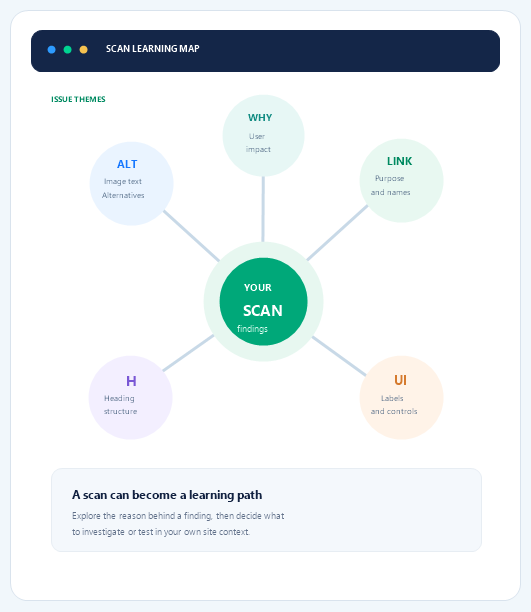
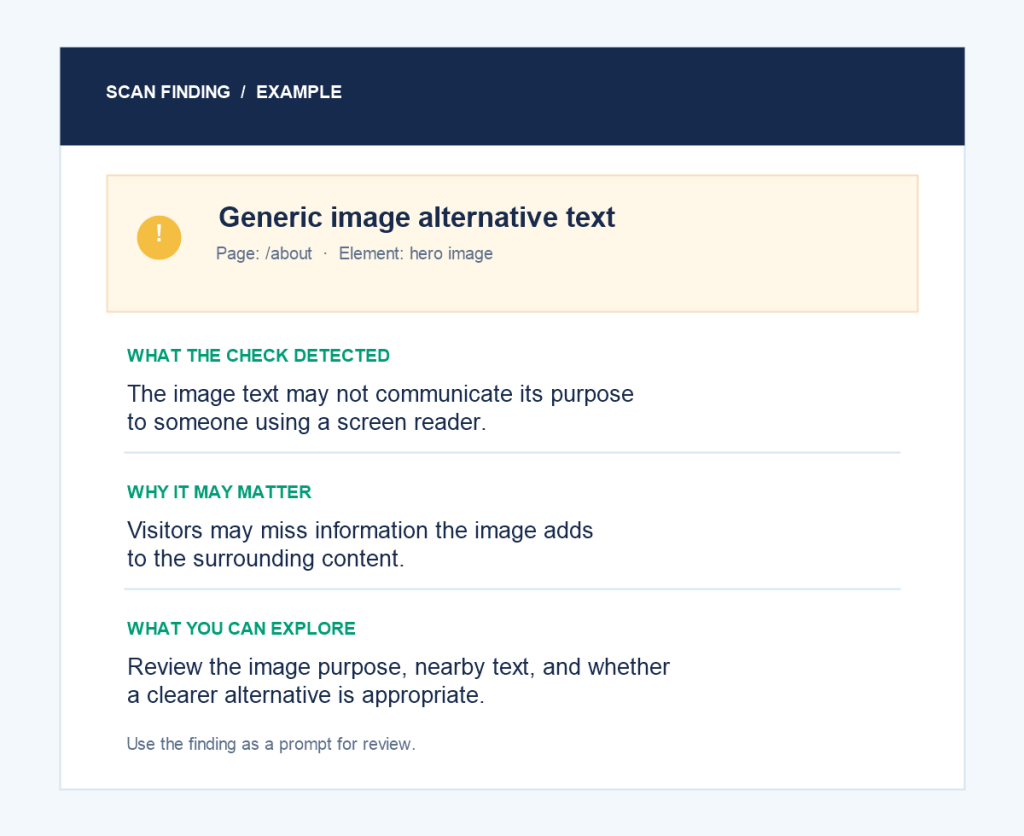
One finding. Several ways to learn.
01
Understand the check
What did it notice?
02
Think about visitors
Who might be affected?
03
Explore an improvement
What could be reviewed?
04
Ask a follow-up
Clarify a term or principle.
The answer is a prompt for learning, not a decision.
A useful lesson for the issue in front of you
Explore a finding and connect it to broader accessibility principles.
01
Issue explanations
What did a supported check detect, and why may it matter?
02
Practical suggestions
Explore possible changes and review them against the actual page.
03
Image alternatives
Learn why meaningful images need text for their purpose.
04
Contextual questions
Clarify terms and relevant accessibility guidance with AI.
05
Progress over time
Revisit scan results and track findings as you make updates.
AI guidance is a tool for learning, not a final verdict.
Results may need correction, miss site context, or cover supported patterns only.
Check the change in context
Review the affected content, its purpose, and the actual experience before relying on guidance.
It is not a professional certification.
Some checks need manual review
Keyboard navigation, screen-reader behavior, contrast, dynamic interactions, and complete visitor journeys may need testing.
Frequently asked questions
Get answers about ScrollAccess, website accessibility scanning, AI powered guidance, accessibility tools, WCAG insights, and supported platforms.
Use findings and AI guidance to learn what an issue means, why it matters, and what to explore next.
Depending on the finding: image alternatives, headings, links and buttons, labels, and related concepts.
No. It is in-product explanation and AI guidance, not a structured course or professional certification.
It uses available finding context and the text you enter. It does not assess every page or interaction.
No. Verify important information and proposed changes against the page context before using them.
No. Scans and AI do not certify accessibility or legal compliance. Manual testing may still be needed.
No. Guidance does not change your site. Designer changes need your confirmation; publishing is separate.
Review findings, investigate, make suitable changes, publish, rescan, and add manual checks.
Availability and usage limits depend on your plan. See Pricing for current plan details.
Use ScrollAccess documentation and support for product questions. Consult an accessibility professional for expert evaluation.
No matching FAQs found.