
Website accessibility monitoring
Keep accessibility in view as your website changes
A repeatable workflow for a changing website
Connect website
Run a scan
Review changes
Improve and rescan
See your website's accessibility story
Powerful features for ongoing accessibility review
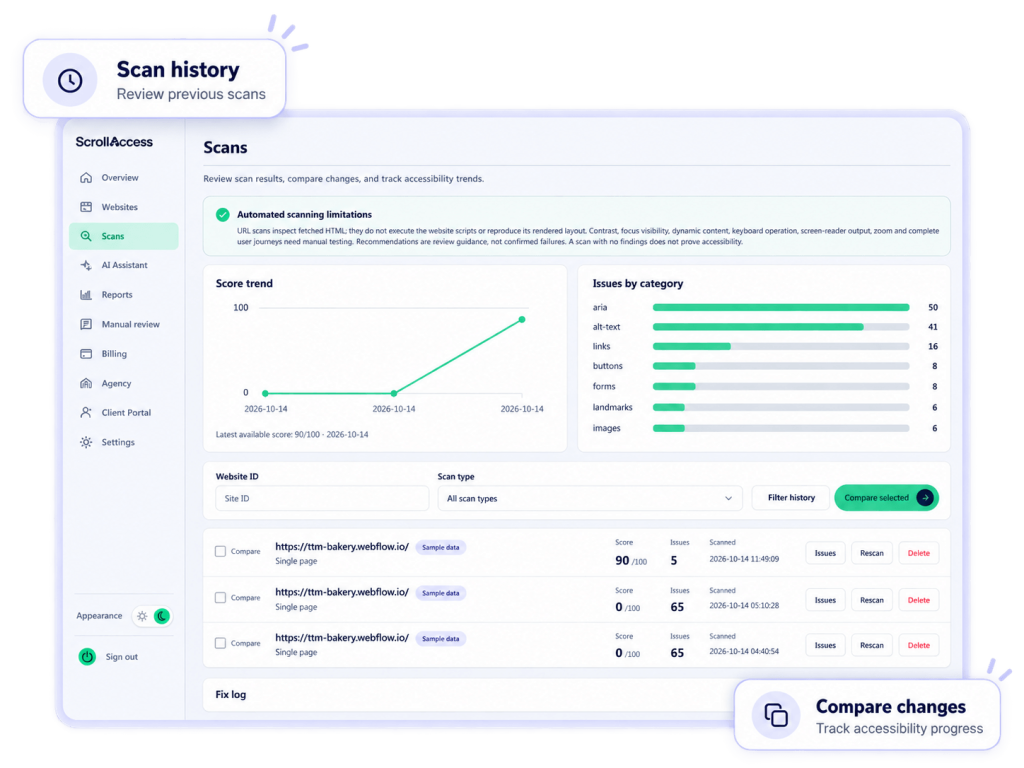
Scan history
View past scan results for each connected website.
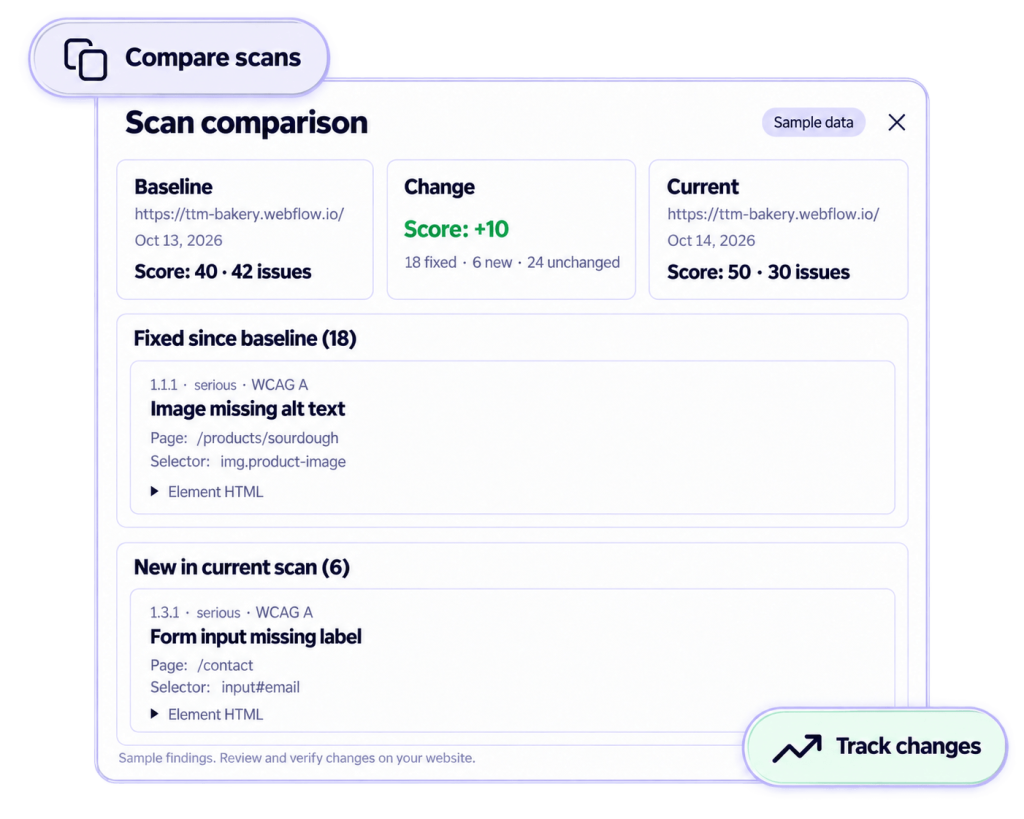
Scan comparisons
See what's fixed, new, and unchanged between scans.
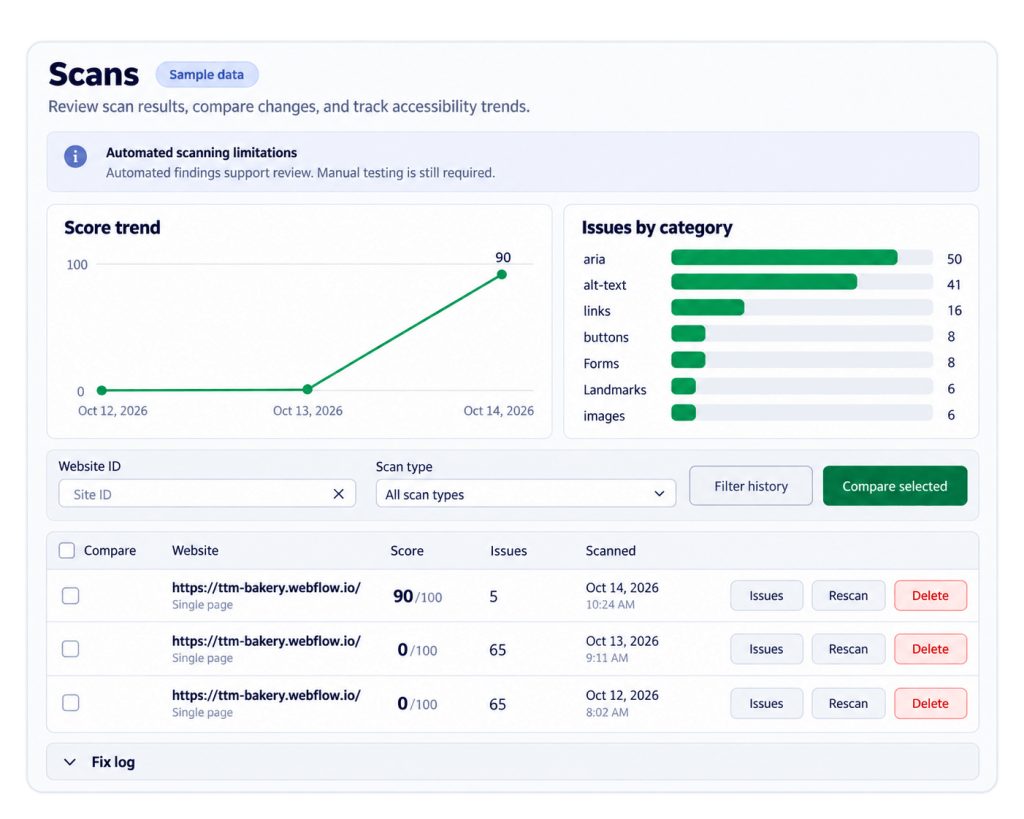
Progress trends
Track your accessibility score over time.
Multiple website organization
Manage multiple websites in one place.
Reports and exports
Generate and export reports for stakeholders.
Scheduled report emails
Receive reports on the schedule configured by your administrator.
Frequently asked questions
Accessibility monitoring is an ongoing process of scanning your website, reviewing findings, and comparing results over time. It helps you identify new issues and track progress as your content and design change.
Yes. Sign up or log in, connect your website, and use your ScrollAccess dashboard to run scans, review history, and compare findings.
The verified workflow uses recorded scans rather than continuous, real-time monitoring. Run another scan after website changes to review the latest findings.
Yes. Compare scans in your dashboard to review changes in accessibility scores and see fixed, new, and unchanged findings.
Yes, within your plan’s website allowance. Scan results and history are organized by website so you can review each site separately.
Yes. Enable report emails in Settings. Delivery follows the schedule configured by your site administrator. Scheduled emails do not necessarily mean a new scan runs before each report.
Include scans in your regular review process, particularly after publishing content, changing templates, updating forms, or releasing new features. Your scan allowance depends on your plan.
No. Automated monitoring does not guarantee WCAG or legal compliance. Combine scan findings with manual keyboard, screen-reader, zoom, and user-journey testing.
No matching FAQs found.